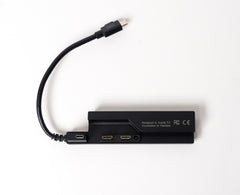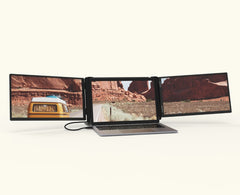
Thanks for your reply! Please take a look below and ensure your PC doesn't need our Tri-Screen 3 Adapter.
If you need to add it to your order or aren't sure whether you need the Adapter, please reach out to our team! We will send you a custom invoice to add it to your existing order.
Check your laptop’s ports*:
- If your laptop has USB-C ports that say DisplayPort, DP Alt Mode, or Thunderbolt 3 (or higher), you’re all set. You do not need any adapters.
- If your laptop’s USB-C port only says USB-C, USB 3.2, or Gen 1, and does not mention DisplayPort or Thunderbolt, you do need the Tri-Screen 3 Mac Adapter.
- If your laptop only has USB-A port(s), you'll need the Adapter as well as a USB-C to A converter.
*To find your laptops technical specifications, click the Start button → type “System Information” → press Enter. You’ll see something like Dell XPS 13 9310 or HP Spectre x360. You can also look at a sticker on the bottom of your laptop. Then, search the laptop's full name and "specs", and look for a section called “Ports”, “Connections", or "I/O"